
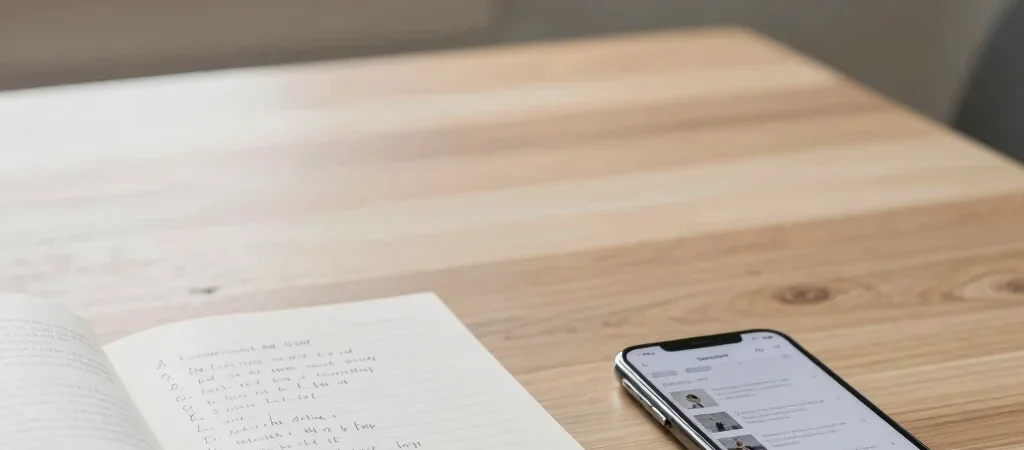
You save an article from your phone while waiting for coffee, then another from a laptop tab you meant to close. A month later, the list is long enough to feel like homework. The fix is not a better app; it is a smaller promise to yourself about what belongs there.
Save With a Reason
Before saving a piece, name what you want from it: a recipe to try, an explanation to finish, or an idea to revisit. If the reason is only “maybe someday,” leave it in the browser history. A clear purpose gives you a useful filter when the list starts to swell.
It also helps to separate things you plan to do from things you simply want to read. A weekend project and a thoughtful essay may both be worth keeping, but they do not need to compete in the same queue. Use two folders or labels, or keep the distinction in the titles you add.
Give the List a Limit
Choose a manageable ceiling, such as ten saved pieces, and treat it as a working limit rather than a test of discipline. When a new article goes in, decide whether something already there still matters. That small choice keeps saving from becoming a substitute for reading.
A short list is easier to scan on a phone during a commute or over lunch. It also makes it more likely that you will recognize the article you saved for a specific reason. If the list is already crowded, remove pieces without guilt; your interests have changed, and that is useful information.
Make a Small Review
Set aside a few minutes once a week to open the list. Read one article, move a genuinely useful reference to a permanent folder, and delete anything that no longer earns your attention. You do not need to clear the whole list in one sitting.
The goal is not to finish everything you have saved. It is to make the next good read easy to find. Keep only the pieces you still want to meet, and your reading list can feel like an invitation again.